
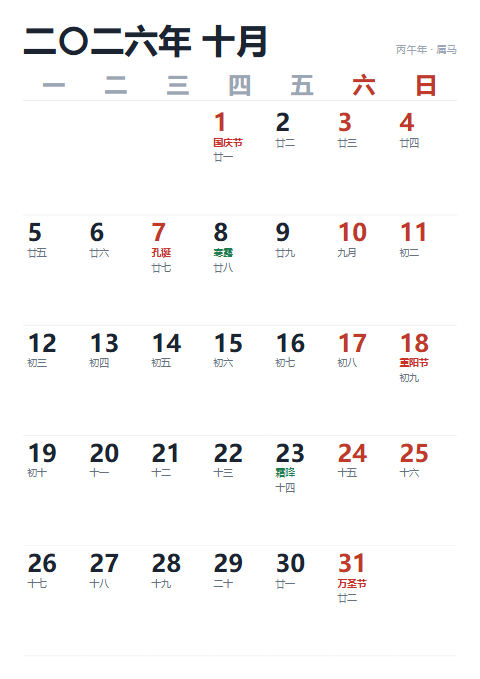
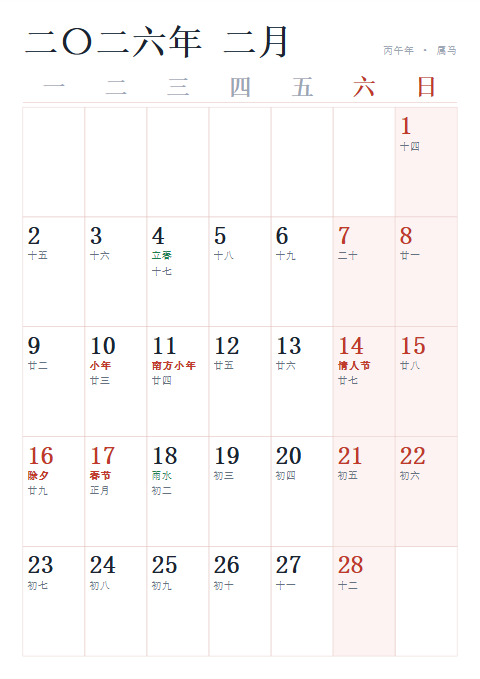
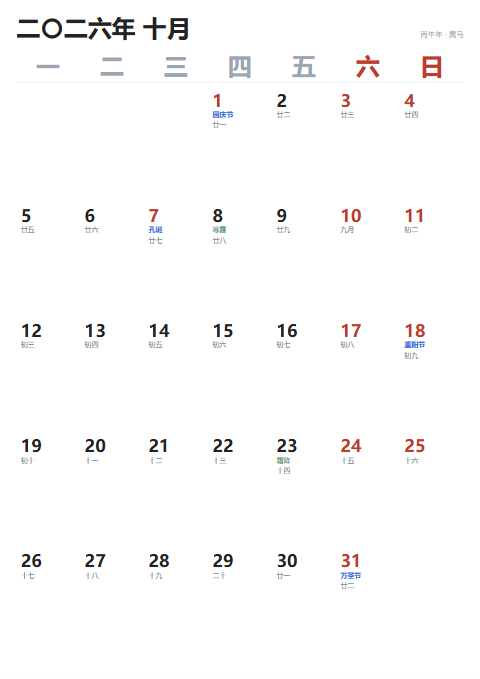
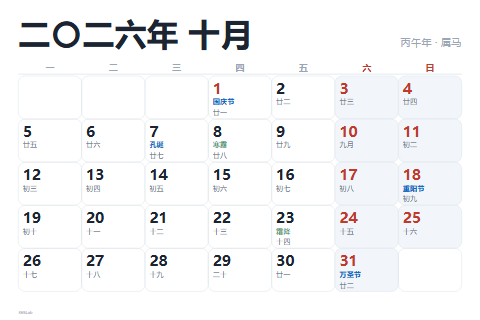
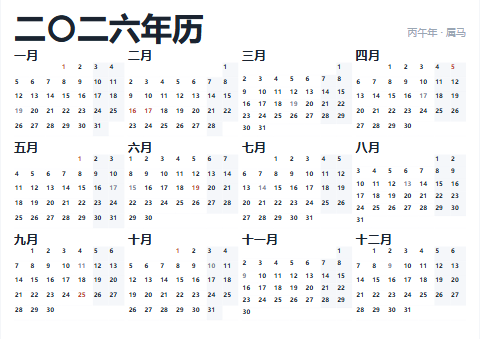
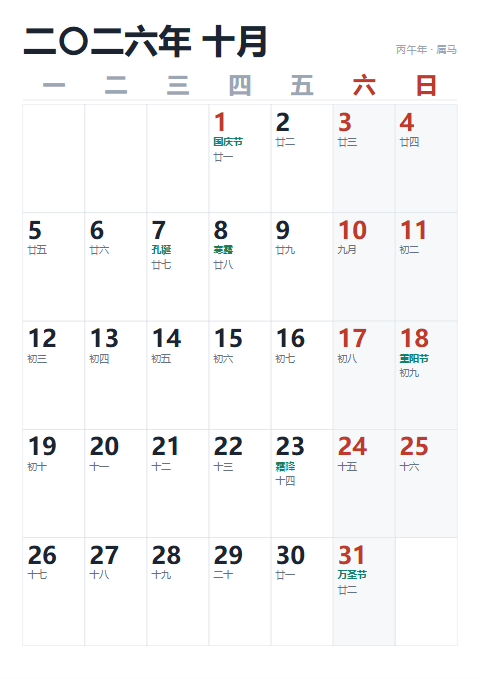

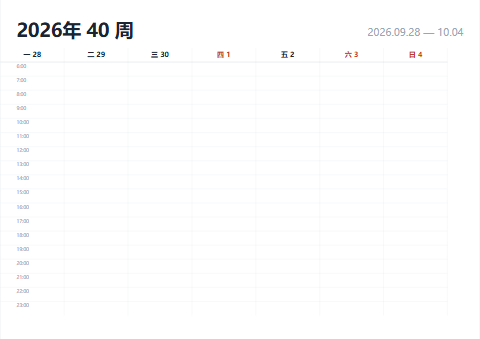
365Lab Calendar is a free online calendar maker: open it in your browser, pick a template, adjust paper, content and styling, then print or export a PDF or PNG. No downloads and no sign-up — a wall-ready calendar in minutes.
What it can do
The tool ships with 12 structurally different templates covering month, year and photo calendars; supports A4, A3, Letter, desk and photo paper; includes lunar dates, solar terms and holidays; and lets you add photos, a logo, a watermark and notes for important days. Every layout detail — fonts, colours, cell style, density — stays editable.
How to use it
Three steps: pick a template, adjust content and styling, then print or export. Start from Make a calendar, or browse Templates first.
How it differs from desktop calendar software
Nothing to install — the web page is always current. No account flow at all. Photos and notes are processed on your own device and never leave it; when you close the tab, all that remains is the file you exported.